The Ancient Search
The Story
While I was at school, my instructor would have something called a "Creative Blitz" at the end of each semester where we had to work on a project using the new skills we had learned during that semester. Typically there was no specific direction for these projects except for suggestions of themes tailored to what we had learned.
For this particular blitz, I was prompted to make an animation using dynamic / procedural animation (fluid and particle). This was the second semester of my 3rd year, and previous to this blitz, I had been learning how to do dynamic animation with fluids and particles using Maya.
For this project, kept the storyline simple and understandable so that I could focus on the actual project. I decided to make a character journeying through a sandstorm, seeking to find a lost ancient pyramid.
The Process
Concept
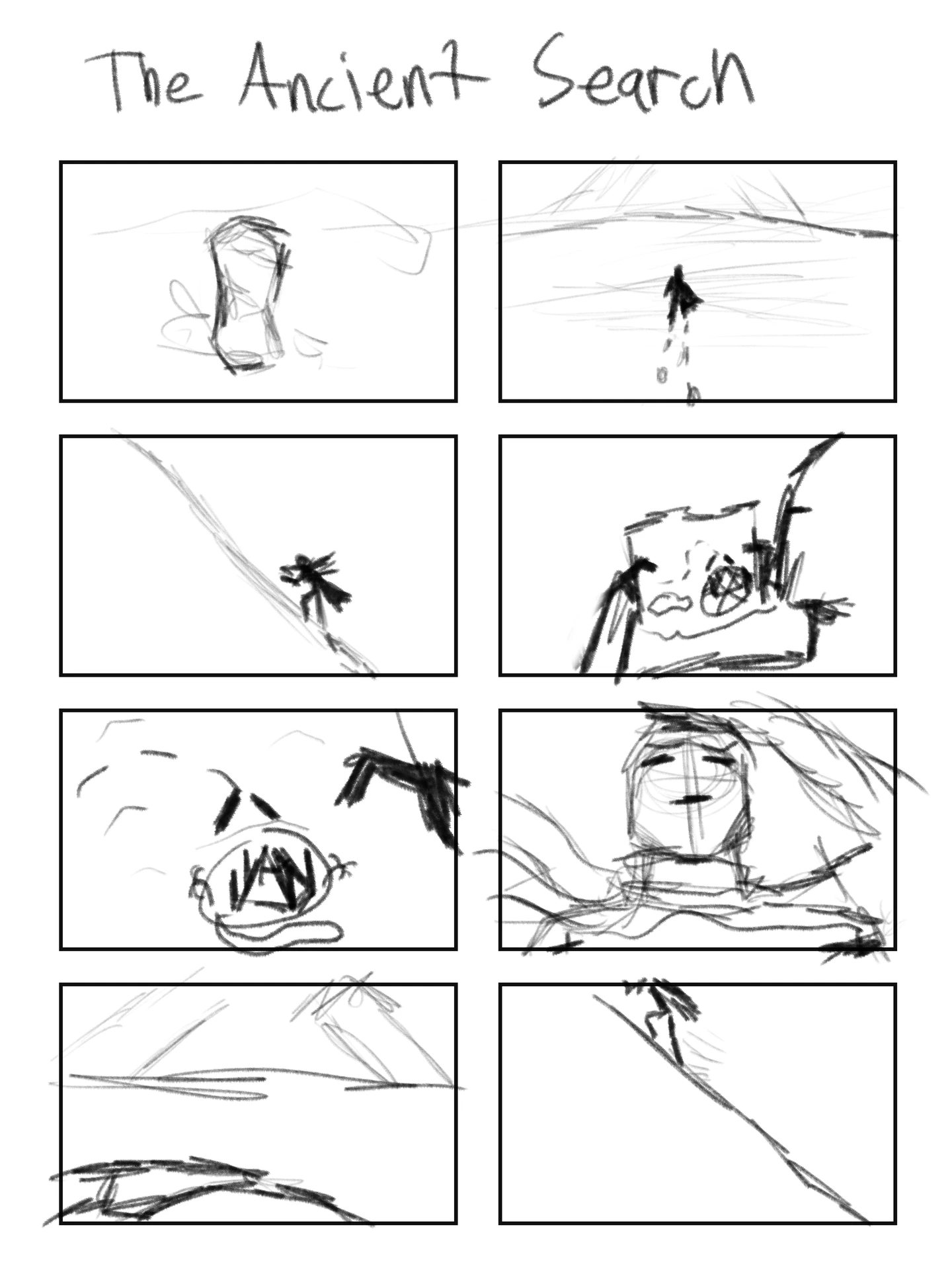
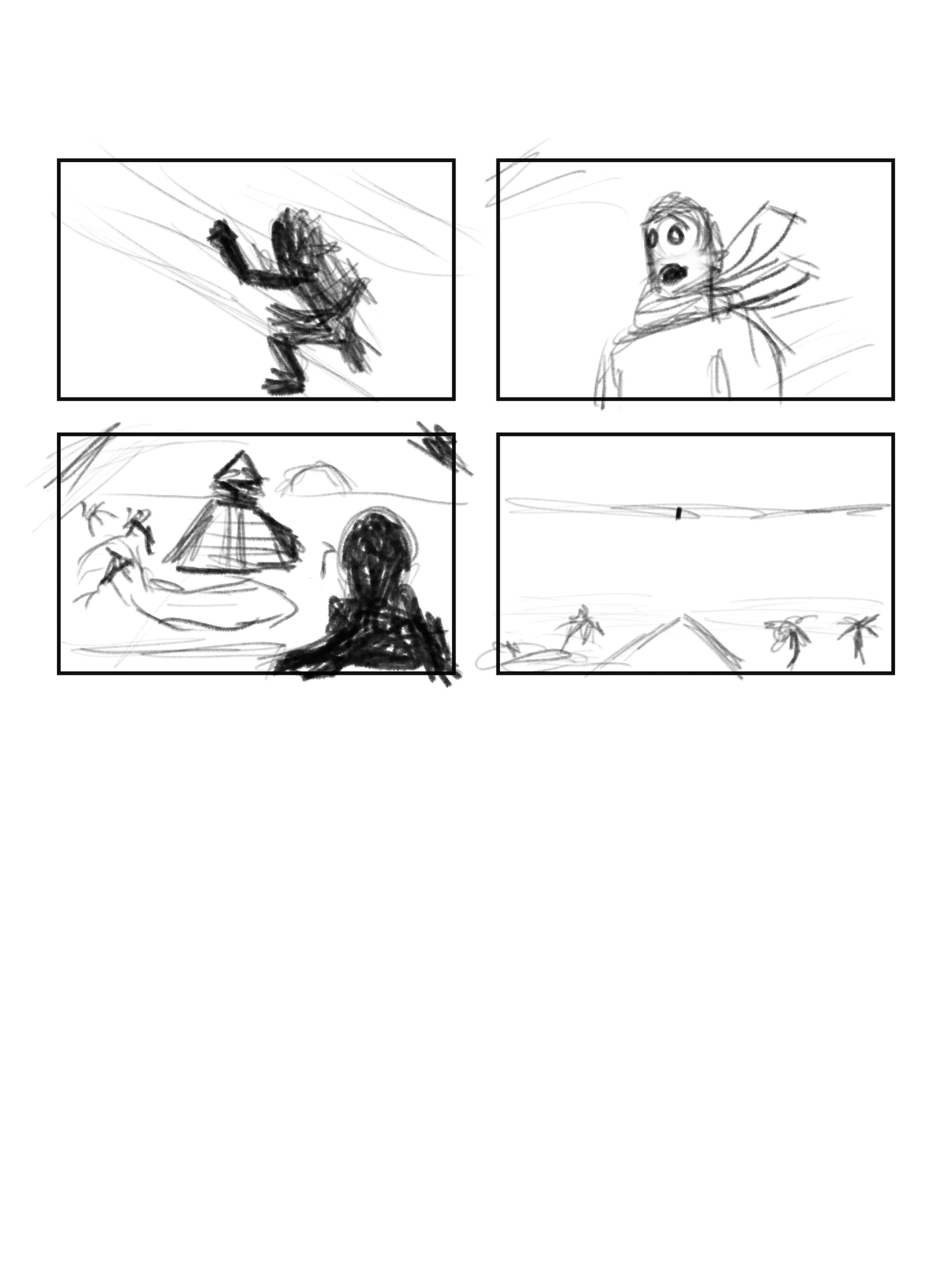
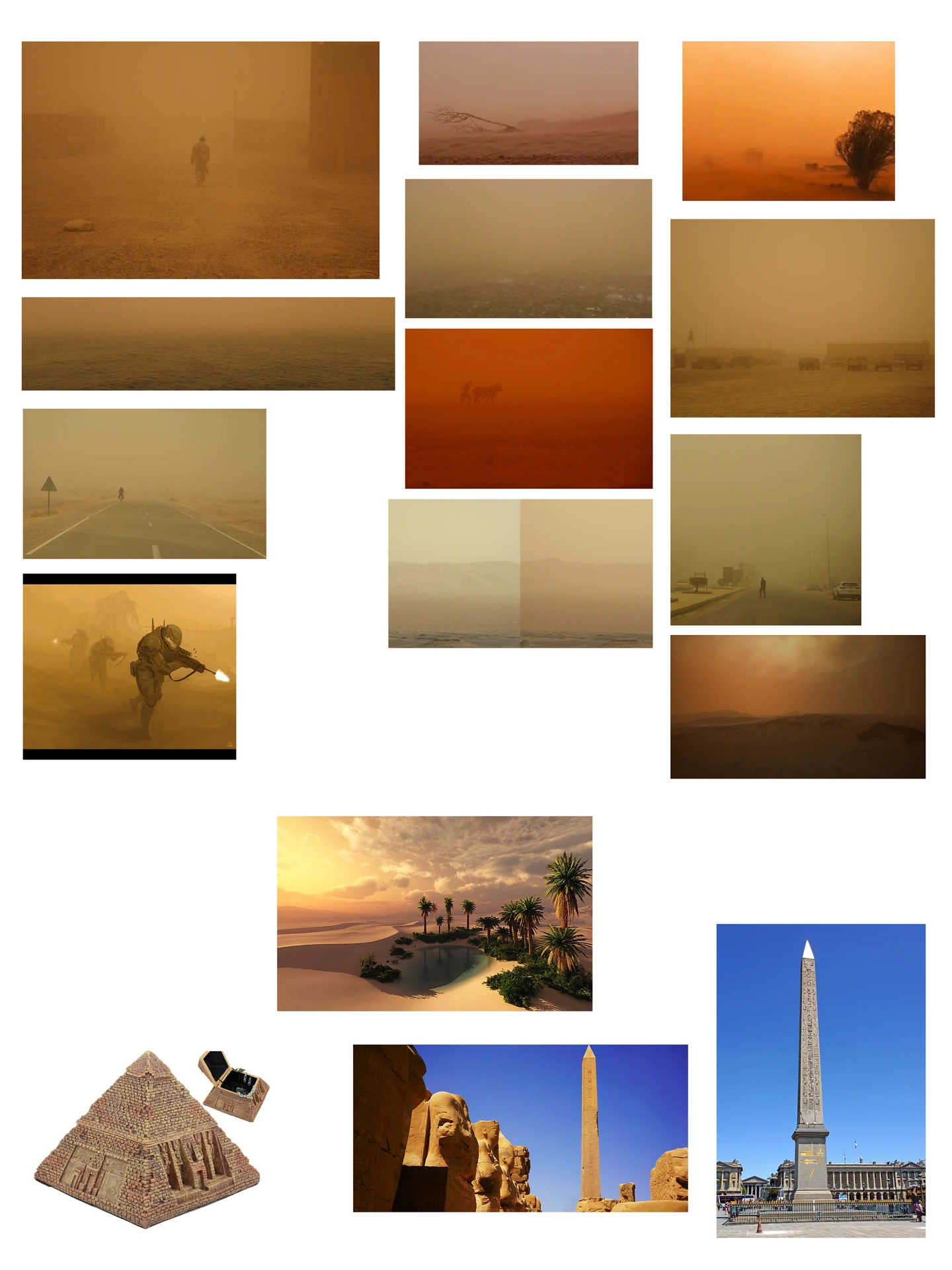
I first used Photoshop to sketchout a storyboard, followed by compiling images to make a moodboard to reference how the sandstorm and structures would look
Scene Setup + Particle Animation
I started by creating the sand dunes dunes and the toweres, then went on to use particles to create the sandstorm.
The sandstorm is comprised of 3 layers. Layer 1 was comprised of the overall foggy particles that make up the bulk of the sandstorm - stuff that is already flying in the air. Layer 2 was the small particles that are supposed to look like individual pieces of sand or other small debris that get close to the camera lens. Layer 3 is the low-level dust; this layer is supposed to look like the sand is being blown up directly from the ground.
Character Animation + Cloth Simulation + Rendering
After setting the atmospherics with the particle animation, I then began to animate the character . I got the rig for free online, as I didn't have time to create a character from scratch. I made the cloak myself, and added the cloth simulation to it after the character was animated.
This specific section was particularly straining, as I was utilizing 5 computers at once sometimes and needing to multitask between them. On one computer, I would animate the character, make sure the particles and cloth simulation worked right, then saved the project as a copy. Since these computers were on a network, I was able to open the project in the 3-4 other computers, then render the copied file individualy on different computers, having different computers focusing on certain render passes and frames of the shot. While I had that shot rendering, I would then make a copy of the previous file and work on the next shot, checking on the other computers to make sure rendering was going okay.
This process continued until all of my shots were complete.
Fluid Animation + Final Render
Once I got to the final shot, I needed to make the flame that would keep the top of the pyramid hovering. For this, I set up a quick fluid animation, then sent it to be rendered on the other computers, seperating the flame to be rendered in its respective pass.
Video Editing + Compositing + Sound Design
Once I had all the shots rendered, I then went into Adobe After Effects, strung the clips together in line with the music I picked out, and composited the particle and fluid layers on top of the base shots. After I had everything put together, I added sound effects, and then rendered the final product
After I had everything put together, I added sound effects, and then rendered the final output.
The Result
Overall, I felt this was an excellent project to work on, and I thoroughly enjoyed the whole process. Because of the time restraints I had during that time, I had to focus on character and dynamic animation rather than the modeling and setting the scene up. If I had more time, I would have focused a lot more on creating a more immsersive environment by adding more ancient structures and making the existing structures look more delapidated than they already were, along with finding ways to tell a more effective story and much more.
One of the biggest skills I gained from this project was learning the ability to multitask and to remain focused when under pressure. Going from animating to then rendering on 3-4 other computers, then back to animating all while making sure the other computers are rendering was actually a very envigorating experience.
While I thoroughly enjoy modeling, I have a huge respect for animators, as the work they do is incredible. Since this project, I have not had the chance to work with dynamic animation or animate a character, but I'm excited to find more opportunities to so in the future as it was fascinating to see how the things I model can come to life by simply moving them in life-like ways.
In the end, I am happy with the outcome of this project, as it has helped spur me to become a better animator.